
Construction progress
documentation
Approved walk-through recordings at each milestone, with location and time attached and tagged by area, so payment certificates, client updates and claims all refer to the same record.

THE PROBLEM
Once the ceiling is closed, nobody can see what is behind it
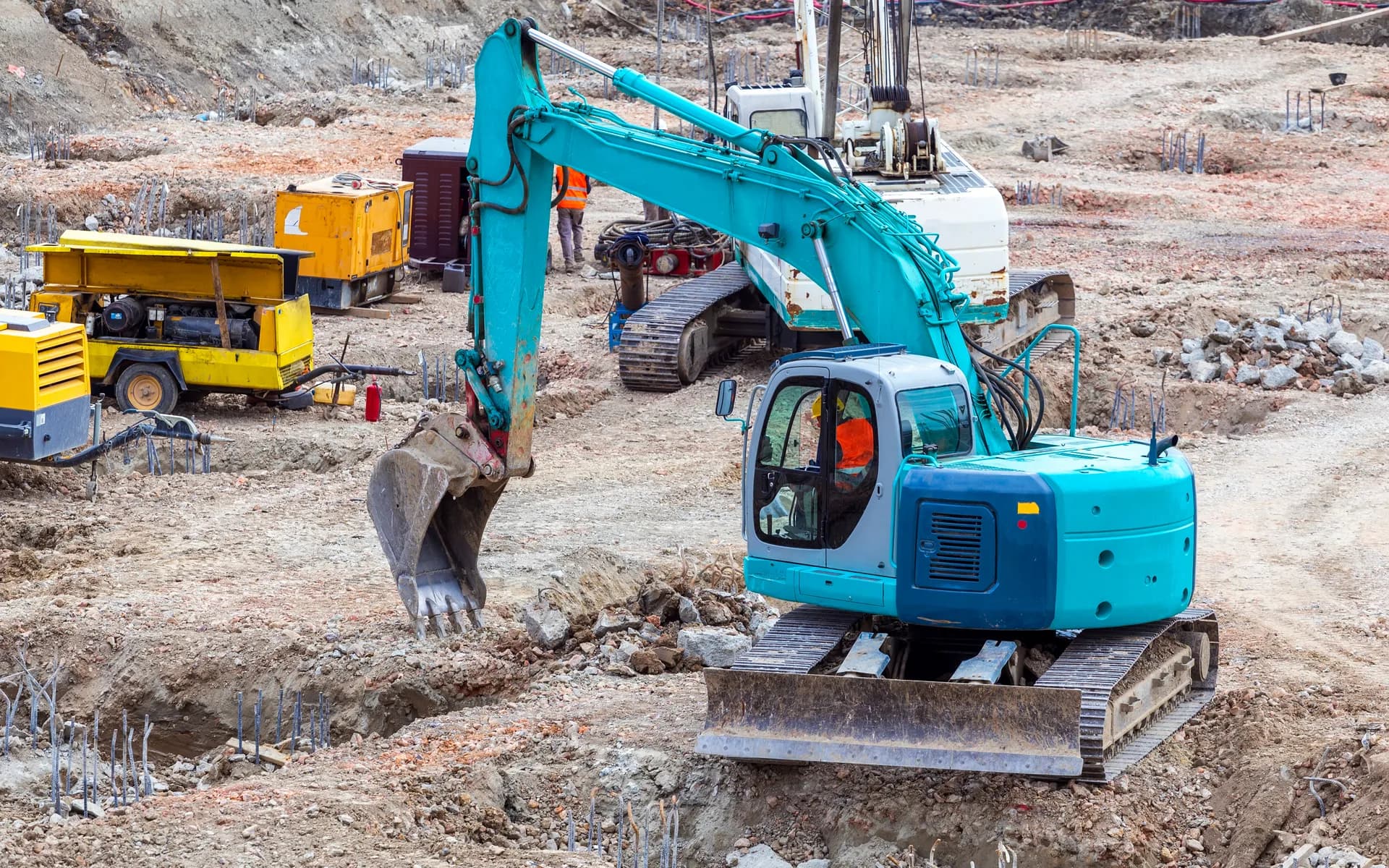
On a building or plant project, work gets covered quickly. Conduit, ductwork, insulation, waterproofing and reinforcement disappear behind finishes within days. If a dispute arises later about what was installed and when, the evidence is a handful of phone photos and a site diary.
Progress payments depend on agreeing how much work is complete. Clients abroad want to see progress without flying in. Delay and variation claims are won or lost on records made at the time.
A short, approved walk-through at each milestone, recorded the same way every time, gives contractor and client one shared record. The work is to fit it around site access rules and the people working on site.
HOW WE SET IT UP
Milestone records the whole project agrees on
Milestones and areas
We match the recording plan to your programme: before cover-up of MEP services, slab pours, facade sections, plant installation. Each milestone has a defined walk-through by area.
Location and time on every recording
Site engineers record on phones or on our connected audio/video event logger. Location and time on each clip tie it to the milestone and the area.
Tagged by area and element
Vision AI tags each recording so a quantity surveyor or client can jump to level 3 ductwork rather than watching the whole walk-through.
Ready for certificates and claims
Tagged events export to PDF and Excel with an audit trail, to support payment applications, client reports and any later claim.
AT A GLANCE
Construction progress documentation in brief
- What is captured
- Milestone walk-through video with location and time
- Hardware
- Site engineer phones, or our connected audio/video event logger
- Analysis
- Vision AI tags recordings by area and element
- Connectivity
- Upload over site Wi-Fi or cellular, designed to the project
- Where data goes
- Our Vision AI portal, or your own server
- Outputs
- Tagged records, PDF and Excel exports with audit trails
- Engineering note
- We fit the recording plan to your site access rules and worker privacy policy, focusing on the work rather than the workforce
FAQ
Questions buyers ask us
How should construction progress be documented for payment claims?
Record a defined walk-through at each milestone, the same way every time, with location and time attached. Tagged by area, the recordings support payment applications and give a contemporaneous record if a claim follows.
Why record MEP work before it is covered?
Once ceilings, risers and walls are closed, installed services can no longer be checked without opening them up. A recording before cover-up shows what was installed, where, and when.
How is worker privacy handled on site recordings?
The walk-throughs focus on the installed work, follow the site access rules and are agreed with the project team in advance. Access to recordings and retention periods are set to your policy.
Can clients follow construction progress remotely?
Yes. Clients can be given portal access to the tagged milestone recordings for their project, so they see progress without a site visit.
Need a progress record the client and contractor share?
Tell us the project type and your key milestones. We will propose a walk-through plan and how the recordings are tagged.