

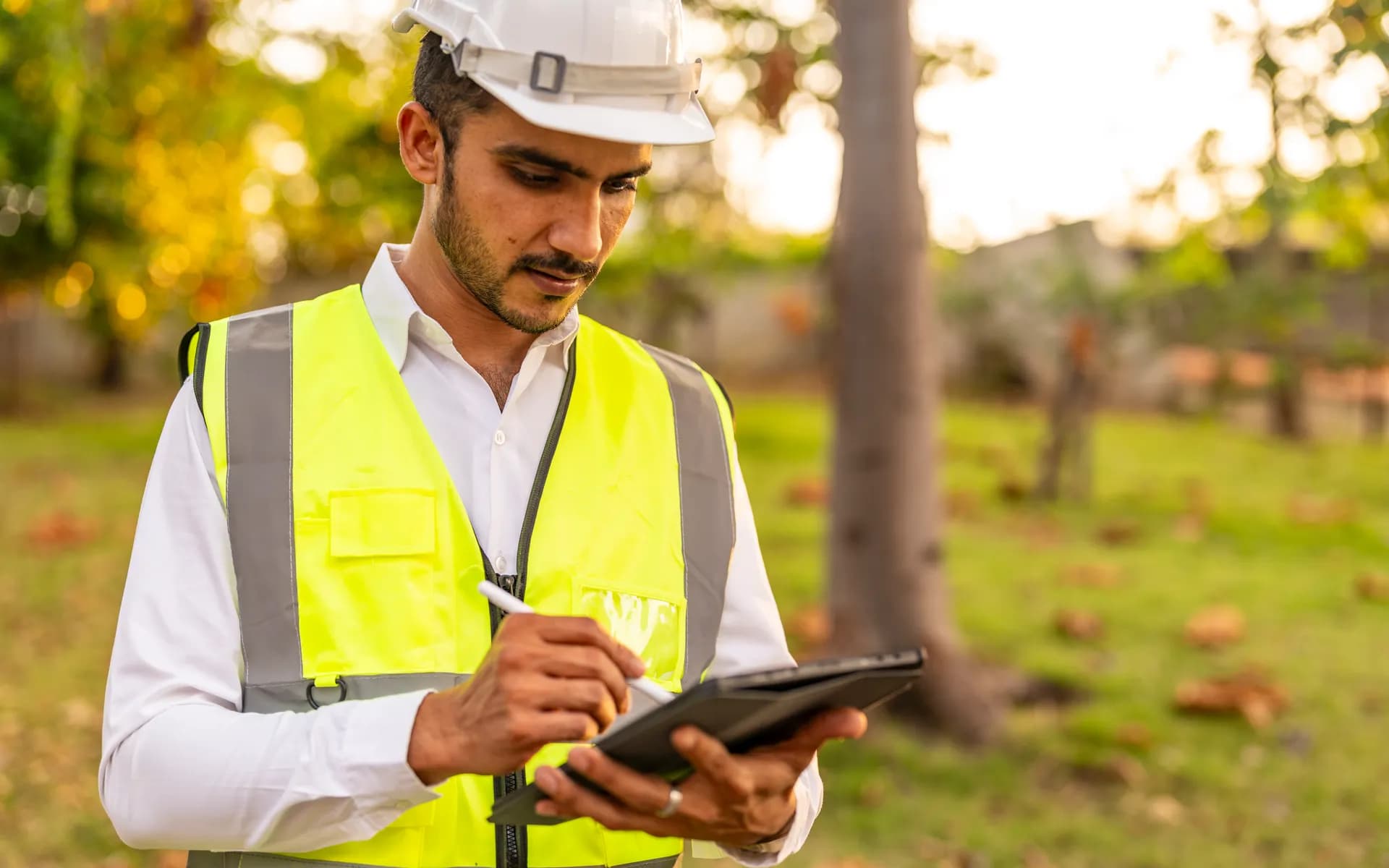
Field Workforce and
Employee Tracking
Field employee tracking that connects location to the actual work being done. Job assignments, geofenced site check-in, attendance, and route history flow into one platform, with a mobile app your team carries and privacy controls your legal team can sign off on.
 THE CHALLENGE
Knowing Where Staff Are Is Not the Same as Knowing What Got Done
A raw location dot on a map tells you a technician is at a building. It does not tell you which job they are on, whether they arrived on time, how long the task took, or whether they were actually inside the customer site or sitting in the car park. Most field tracking tools stop at the dot. This system adds the layer above it, where location is tied to a task, a geofenced site, a shift, and an audit trail, so dispatch, payroll, and the field engineer all see the same truth.
A component of the broader Telematics and GPS Tracking capability, often deployed with People Tracking Solutions.
WHAT'S INCLUDED
Location Tied to Jobs, Sites, and Shifts
Field Mobile App
The Android and iOS app your field staff carry reports location only during shift hours, accepts and updates job status, captures proof of work with photos and signatures, and works offline with a local queue that syncs over MQTT when the network returns.
Job and Task Integration
Every location report is tied to a work order. Dispatch assigns a job, the app routes the engineer to the site, and arrival, time on task, and completion are timestamped against that job. Your scheduling system and the platform share one job ID.
Geofenced Site Check-In
Each customer site or work zone is defined as a geofence. Entry and exit events trigger automatic check-in and check-out, so attendance at a site is recorded without the employee tapping a button or being asked to share continuous location.
Attendance and Timesheets
Shift start, site arrivals, breaks, and clock-out become timesheet records that feed payroll. The same data backs hours-worked reports and removes the manual reconciliation between what was logged and where the person actually was.
Route History and Playback
The day route is stored in a time-series store for supervisors to play back. You see the actual path between jobs, stops, and dwell times, which settles mileage claims and customer disputes about visit times.
Privacy and Consent Controls
Location collection is off outside working hours, configurable per role, and logged for consent. Staff see when tracking is active, and you keep a record that satisfies workplace privacy and data protection requirements.
WHAT YOUR TEAM SEES
One View for Dispatch, One App for the Field
The experience is designed around the two people who use it most. The dispatcher needs to know who is free, who is closest, and who is running late. The field engineer needs a clear job list and a way to mark work done without fighting the phone. Everything else is reporting built on top of those two flows.
Live Dispatch Board
Supervisors see every active engineer, their current job, and their status on one map. Nearest-available filtering helps assign the next call to the right person without phone tag.
Field Job List
The engineer opens the app to a clear ordered list of jobs, taps to navigate, and updates status with one action. No continuous location prompt, no clutter, low battery draw across a full shift.
Exception Alerts
Alerts fire on late arrivals, missed check-ins, long unexplained stops, and movement outside assigned zones, so supervisors act on the few cases that need attention instead of watching the whole map.
HOW IT WORKS
From Phone GNSS to Timesheet
On the Device
The app uses the phone GNSS and network location, batches positions while offline, and sends them over a TLS MQTT channel during shift hours only. Geofence entry and exit are evaluated on-device so check-in still works with a weak signal.
In the Platform
The ingestion service receives positions and events, matches them to the active job and site geofence, and writes to a time-series store. The job state machine advances as arrival and completion events arrive.
In Your Workflow
REST APIs and webhooks let attendance, completed jobs, and route data flow into your scheduling, payroll, and CRM systems. The platform stays the source of truth for where work happened.
PRIVACY AND COMPLIANCE
Tracking That Holds Up to Scrutiny
Workforce location data is sensitive. The system is designed for the rules from the start rather than bolting consent on later, so it is defensible to staff, unions, and regulators.
Working-Hours Only
Location is collected only during configured shift windows and disabled otherwise. Staff get a clear in-app indicator of when tracking is active.
Consent and Audit Logs
Consent, role-based collection policies, and access to location data are recorded, giving you the trail needed for data protection accountability.
Data Minimisation and Retention
Collection is limited to what the task needs, with retention windows per data type and support for deletion requests, keeping the dataset lean and within policy.
FAQ
Common Questions
Does the app track staff outside working hours?
No. Location is collected only during configured shift windows and turned off otherwise. The app shows a clear indicator when tracking is active, and the policy is enforced on-device so it does not depend on staff remembering to switch anything.
How does geofenced site check-in work without draining the battery?
Geofence entry and exit are evaluated on-device using the platform geofencing APIs, which the phone handles efficiently in the background. Continuous high-rate GNSS is only used when a job is active, so a full shift fits comfortably within a day battery.
Can it tie attendance to actual jobs beyond clock-in?
Yes. Every location report and check-in is linked to a work order ID. Arrival, time on task, and completion are timestamped against that job, so timesheets reflect where work happened rather than a single clock-in at the depot.
Does it work where mobile coverage is poor?
Yes. The app stores positions and job updates in a local queue and syncs over MQTT when the network returns. Geofence check-in is computed on-device, so site arrival is captured even with no live connection.
Can it integrate with your existing scheduling or payroll system?
Yes. REST APIs and webhooks are exposed for jobs, attendance, and route data. A common job ID is shared with your scheduling tool and timesheet-ready records are pushed to payroll, so there is no manual reconciliation.
Is the mobile app included, or only the backend?
Both are included. The field mobile app, the dispatch web view, the ingestion backend, and the integration layer are delivered as one system, so the location logic and privacy controls are consistent across the stack.
Ready to Track Field Work, Beyond Dots?
Share your team size, the jobs they run, and your scheduling and payroll systems to see how location ties to work and how the privacy controls stay clean.
Schedule a Free Consultation