
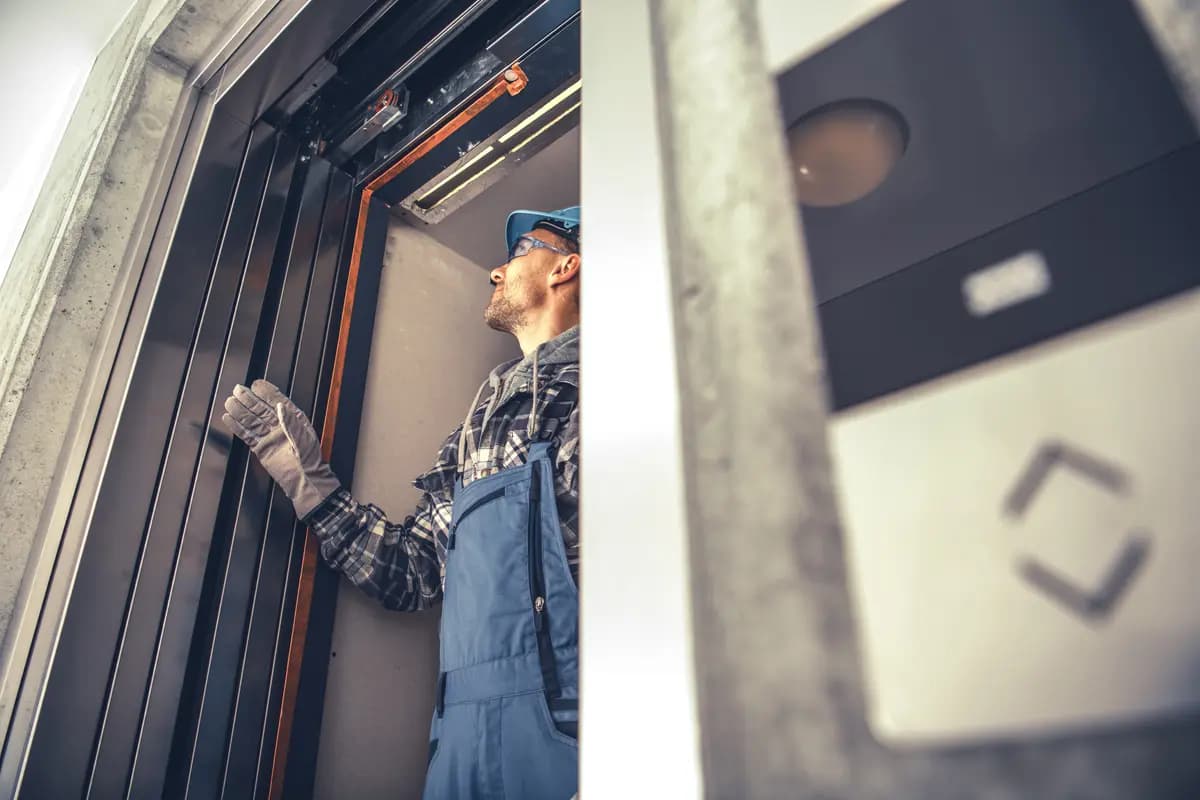
Elevator Maintenance Software
Every lift, its history, and its next service in one registry.
A single structured record for every elevator you service: specs, location, controller type, full maintenance history and the schedule ahead. Built to your asset structure, not to a template.
The problem
When asset data lives in a spreadsheet, maintenance is reactive by default.
Most elevator service businesses hold their asset data in three places: a spreadsheet someone maintains, a filing cabinet of paper job cards, and the memory of the technician who has run that route for six years. It works until the spreadsheet owner is on leave, or the technician moves on, or a unit fails and the customer asks a reasonable question nobody can answer.
The visible cost is missed AMC visits and slipped service intervals. The invisible cost is worse: no view of which units eat the most effort, no evidence when a contract is challenged, and no way to hand a route to a new technician without losing everything the last one knew.
When did we last touch this lift and what did we do?
The unit record answers it. Every visit, every fault, every part, in order, with who was there and what they found.
Which AMC visits are at risk this month?
The schedule view flags windows about to close, grouped by contract so the exposure is visible per client, not per task.
Which units are consuming the most service effort?
Visit counts, fault frequency and parts consumption roll up per unit, per site and per contract. Loss-making assets stop hiding in the average.
What is actually blocking that job?
Blockers are a first-class record with a reason and an owner, so held work stays on the board instead of dropping out of the plan.
The registry
One record per unit. Everything hangs off it.
Tickets, job cards, proposals, invoices and warranty claims all point at the same asset record. That is what makes a history worth having, and what makes a report defensible.
What the registry holds
- Unit identifier, name and the building it serves
- Site, city, region and the contract it belongs to
- Controller make, model, drive type and protocol
- Capacity, floors served, speed and installation date
- Current status: operational, under maintenance, out of service
- Assigned technician and responsible service team
- Warranty position on the unit and on major components
- Complete maintenance and fault history in date order
Scheduling
Three ways to decide what gets serviced next.
Contracts define the floor. Evidence decides the order. The schedule runs all three modes together and reconciles them into one plan per technician per day.
Calendar based
The classic AMC pattern. Visit frequency is set per contract, the schedule is generated forward, and completion is tracked against the window rather than the intention.
Usage based
Trip counts and door cycles come off the controller. A unit in a busy hospital and a unit in a low-rise office do not wear at the same rate, so they do not get serviced on the same interval.
Condition based
Door timing drift, rising motor current, clustering fault codes. When the signal says something is degrading, the unit moves up the schedule before it fails.
| Servicing basis | Calendar | Usage | Condition-based |
|---|---|---|---|
| What triggers a visit | A fixed date arrives | A trip or cycle count is hit | A live signal starts to drift |
| What it reads | The contract calendar | Controller trip and door counts | Door timing, current, fault clusters |
| Best for | Baseline AMC compliance | Unevenly worked units | Catching wear before failure |
| Blind spot | Ignores how hard a unit works | Ignores developing faults | Needs live controller data |
Status control sits alongside the schedule. Operational, under maintenance and out of service are real states with owners and timestamps, so a unit that has been down for three days cannot look the same as one running normally on an all-elevators report. See elevator monitoring dashboard for how that rolls up.
Send us your asset spreadsheet. We will show you what it looks like as a working registry.
Book a Session →Blocker tracking
Held work stays on the board.
The maintenance tasks that cause the most damage are the ones that were started and then stopped. A part was ordered and never chased. A building refused access twice and the visit quietly fell out of the plan. A quote is sitting unanswered while the lift runs on borrowed time.
Blockers are recorded against the task with a reason, an owner and a date. They stay in the schedule, they age visibly, and they roll up so a planner can see how much of the month is stuck rather than late.
Awaiting part
Task held with the part reference, expected date and the purchase record it is linked to.
No site access
Building unavailable, lift in use, security clearance pending. Logged with the attempt so the visit is not counted as a miss.
Pending approval
Chargeable work found, proposal raised, waiting on customer sign-off before the technician returns.
Resource constrained
Skill or manpower not available in the window. Visible to planners while there is still time to reschedule.
Why RnD Square
Maintenance planned on evidence, not estimates.
Generic asset management tools model a machine with a service interval. An elevator is a machine with a controller that already knows how hard it has been working and what has been going wrong. RnD Square builds the interface hardware and the firmware that reads it, so trip counts, door cycles and decoded fault codes flow into the maintenance plan automatically.
The registry structure itself is built to your specification. Some operations track components down to the door operator and rope set. Some manage a unit as a single asset. Some carry third-party equipment under contract alongside their own installed base. All of that is a design decision made in discovery rather than a limitation you discover in month three.
This module sits inside the wider elevator management software suite, so a fault becomes a ticket, a ticket becomes a visit, and a visit becomes a permanent line in the asset history without anyone retyping it.
FAQ
Common questions
Yes. The registry is multi-site by design, with all-elevator, city, site and unit level views. Technician teams, contracts and schedules are modelled against that same hierarchy, so a regional manager and a site supervisor see the same data at the level they need it.
Get your elevators out of the spreadsheet.
Tell us how many units you service, how your contracts are structured, and what your current asset data looks like. We will come back with a migration and build plan.