
S3Suite
Risk Management
Track engineering, manufacturing, and operational risks beside the product records that explain them. Score impact, assign ownership, link evidence, and keep mitigation work visible.
Risk register review
Track product risks with ownership and evidence.
The clip shows the Risk Management workspace where teams review risk records, severity, likelihood, owner context, and mitigation status.
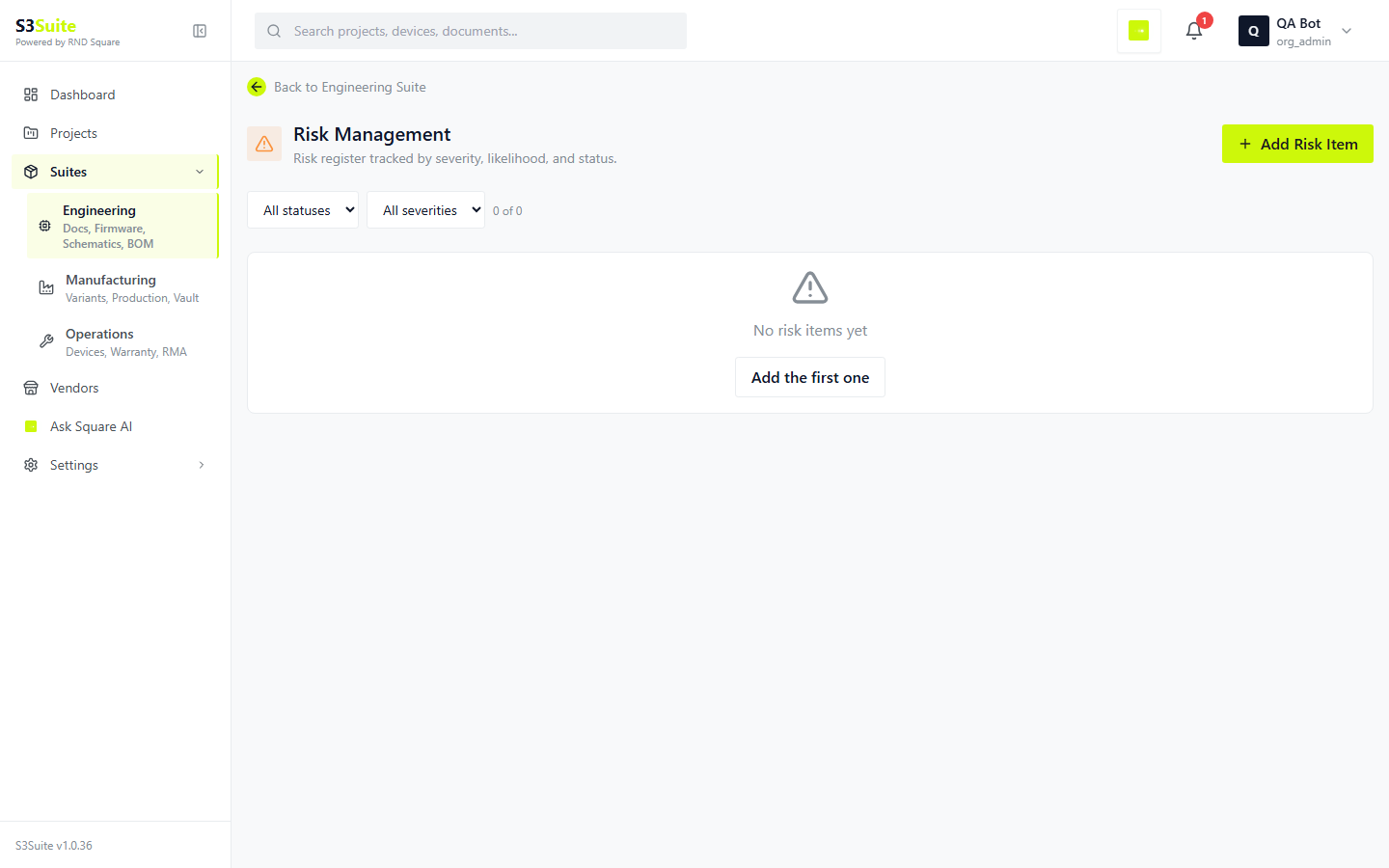
The clip shows the Risk Management workspace where teams review risk records, severity, likelihood, owner context, and mitigation status.
Product Risk Context
Risks are easier to manage
when they stay close to the product.
Workflow
Track product risk before it becomes field work
How S3Suite helps
Risk Management gives hardware teams a project-level register for engineering, manufacturing, and operations concerns.
Workflow
Keep risk connected to product evidence
How S3Suite helps
A risk can reference the records that explain it, such as design changes, devices, tickets, or return cases.
Workflow
Turn repeated issues into owned action
How S3Suite helps
Recurring support, RMA, or production signals can become risks with an owner and mitigation plan.
Workflow
Review the highest-impact risks first
How S3Suite helps
Severity, likelihood, status, and owner give teams a practical way to run recurring risk reviews.
Workflow
Show that risks are being managed
How S3Suite helps
Structured fields and linked evidence make the register easier to review with internal teams, customers, or auditors.
Workflow
Avoid overcomplicated risk tracking
How S3Suite helps
The register keeps risk work close to the product records instead of forcing teams into a separate planning artifact.
Risk Record
Structured risk records
for product reviews.
Risk records keep the discussion grounded: what could go wrong, how serious it is, who owns it, and what evidence explains it.
Title
Short, specific description of the risk.
Description
Full context: what could go wrong, why it matters, how it was identified.
Severity
Impact if the risk materializes. Low, Medium, High, or Critical.
Likelihood
Probability of occurrence. Rare, Unlikely, Possible, Likely, or Almost Certain.
Status
Where it sits in the workflow. Open, Mitigating, or Closed.
Owner
The named person accountable for the next action.
Mitigation
Concrete actions being taken to reduce severity, likelihood, or both.
Linked items
Connections to product evidence such as commits, devices, tickets, or RMAs.
Workflow
From concern
to mitigation plan.
A risk workflow should be simple enough for real teams to use every week: capture, score, link evidence, review, mitigate, and close with context.
Identify
Capture the concern from design review, production work, field feedback, or support history.
Score
Estimate severity and likelihood so the team knows where to focus.
Link
Attach the product records that explain the risk or show why it matters.
Review
Use severity, likelihood, status, and owner to run a focused risk review.
Mitigate
Record the action being taken to reduce the risk.
Close
Close the risk with enough context for future review.
Integrations
Risks connect to the
rest of the platform.
A risk is more useful when it connects to the product evidence behind it: design changes, returned units, support patterns, bugs, and device records.
Hardware Revision Control
Connect a risk to the design changes that caused it or helped mitigate it.
RMA and Troubleshooting
Use return history and root-cause work as evidence when a field pattern becomes a risk.
Support Tickets
Customer-reported patterns can inform the risk register when they point to a broader issue.
Bug Reports
Engineering defects can sit beside risks when the underlying weakness affects more than one bug.
Devices
Device records help tie risk back to the units, lots, or deployments affected.
Project Map
Risk context belongs in the same product review as engineering, manufacturing, and operations context.
Related Pages
Go deeper.
FAQ
Frequently Asked Questions
Track product risk
with ownership and evidence.
Keep engineering, manufacturing, and operations risks visible in the same product system your team already uses for design, production, and field work.